How to do a System Refresh
Creation Date: Sep 18, 2025
1. Click on My Work

2. Select Settings

3. Click on Refresh
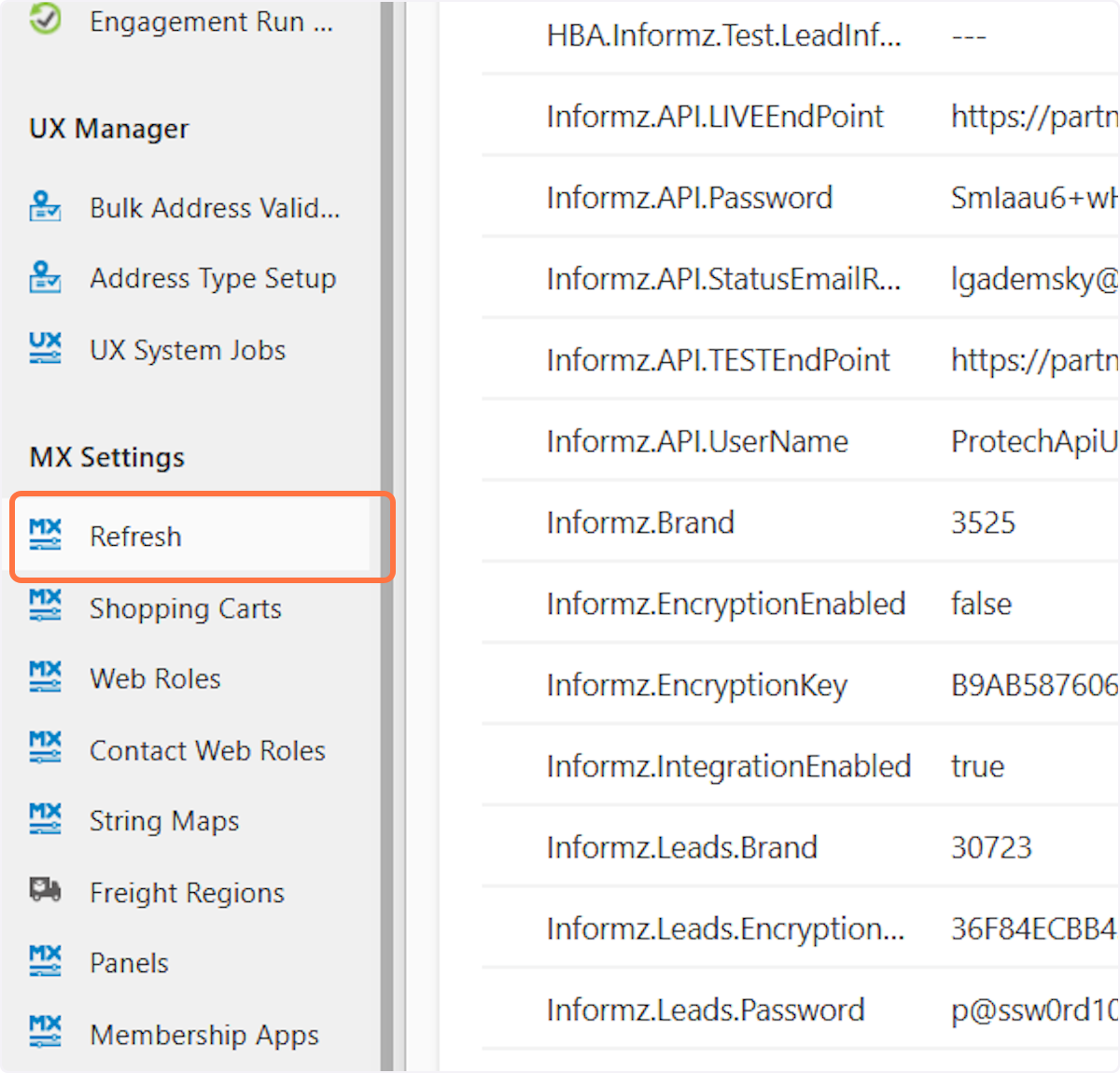
4. Select the area before "https://my.hbanet.org"

5. Click on Refresh Caches

6. A new window will appear, once it says Update Successful you can exit out of that screen

7. Select the area before "https://my.hbanet.org"

8. Click on Refresh Metadata

# my.hbanet.org/DesktopModules/MX/MetadataRefreshService.asmx/RefreshMetadata?SecurityKey=B6B89JC7-4A72-CD23-FB9D-00487BCA3709
9. A new window will appear, once it says was correctly updated you can exit out of that screen

10. Click on the Drupal Menu and select HBA Content -> Events List -> Import Event

11. Click on Import

12. Click on Back to site

